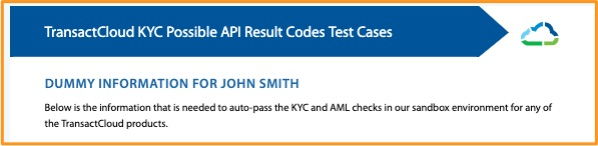
Administrative Directory
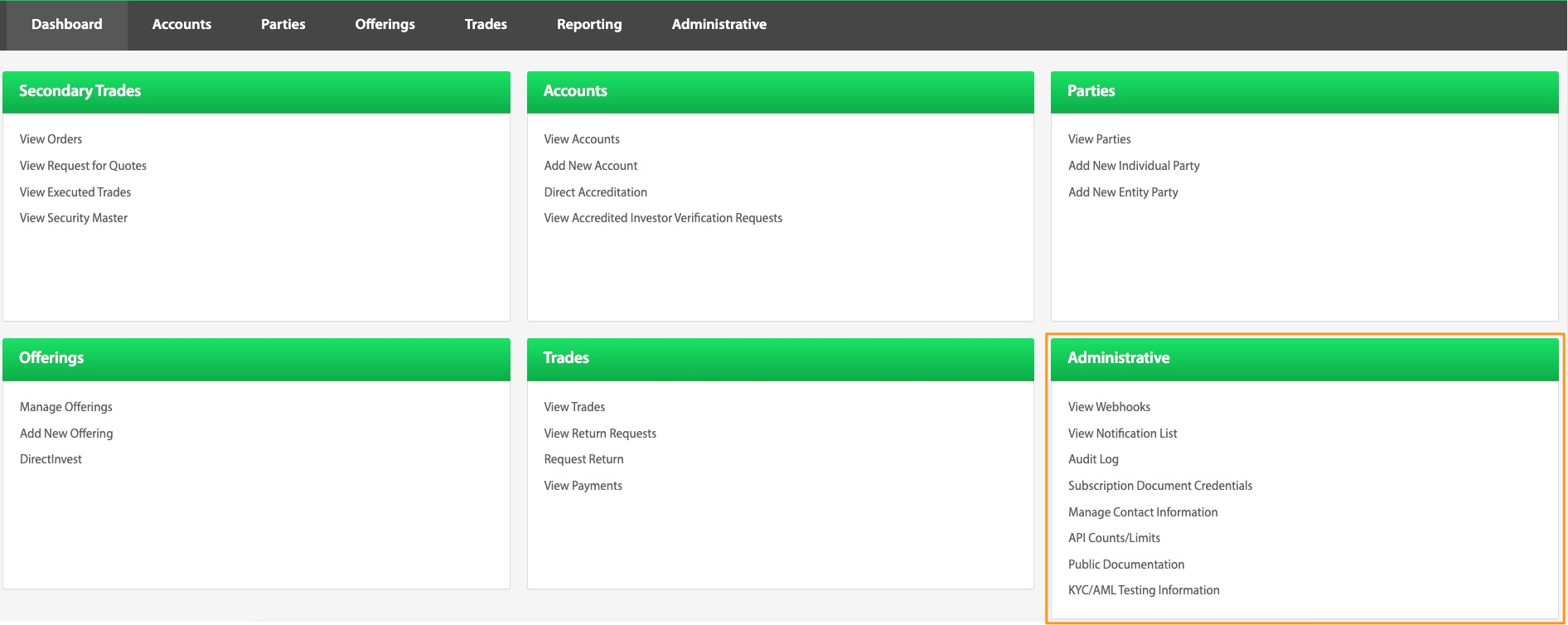
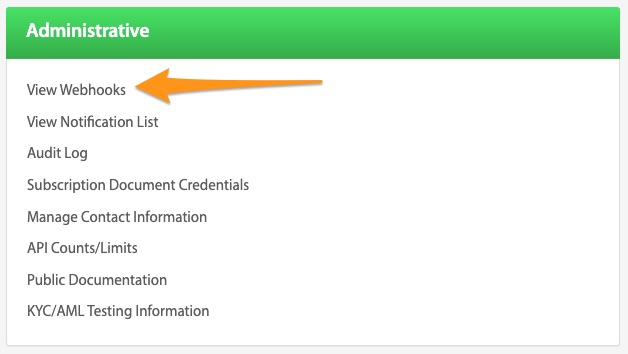
View Webhooks
For the payload format and the full list of available webhooks, see Webhooks.
To navigate to webhook options, click the View Webhooks button from the Dashboard page. From here, webhooks can be viewed, created, or deleted. The following are some popular webhooks to note:
createTrade\ Notification of when an investment has been made\ createAccount and createParty\ Notification of when an investor signs up on your platform and makes it through the KYC/AML process.\ updateExternalFundMoveStatus and/or updateCCFundMoveStatus\ Notification of change of payment status. Example: when a card is declined and an alternative route needs to be decided. (retry or new payment)
Add Webhook
Dashboard > View Webhooks > Add Webhook
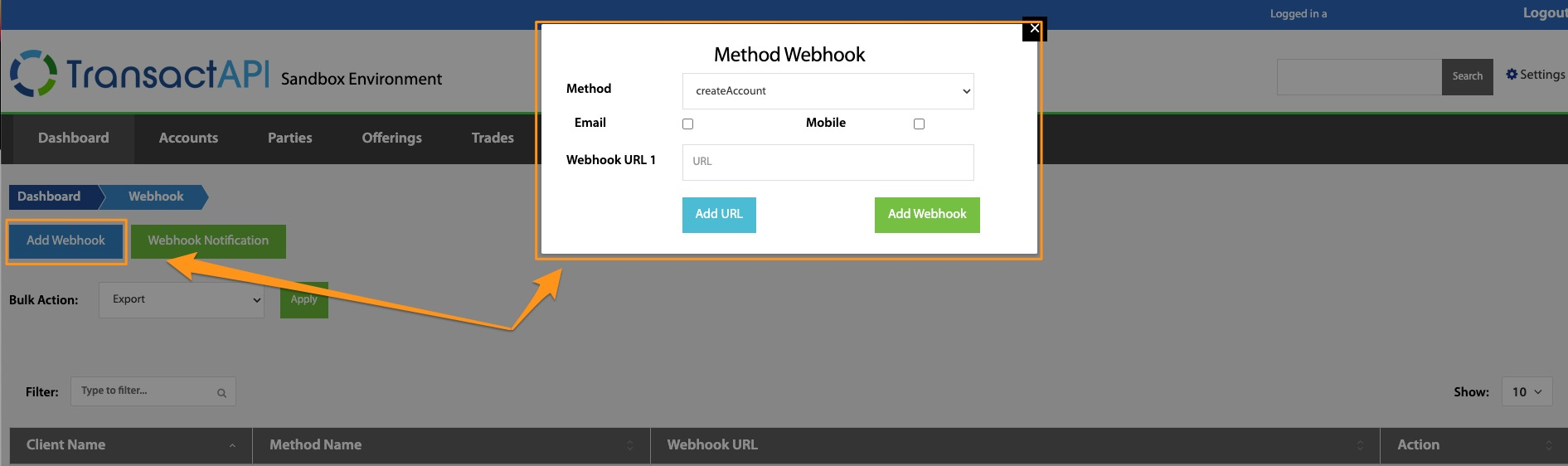
To subscribe to a webhook, select Add Webhook, select the desired webhook and enter the webhook URL. The URL is where the webhook will be posted.
Email or Mobile selections can be made if you want to be notified of the webhook firing via email or text. To finish notification setup, select Webhook Notification to enter the desired email or mobile number for the notification to go to.
Webhook Notification
Dashboard > View Webhooks > Webhook Notification
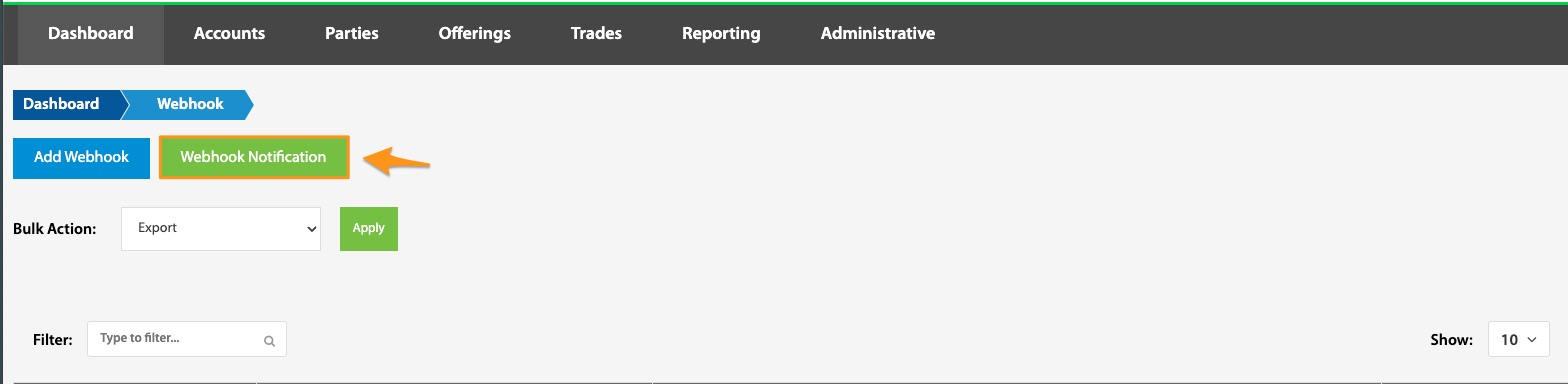
Selecting the Webhook Notification button from the View Webhooks page will show a list of all email addresses and phone numbers the admin user is subscribed to for webhook notifications. This data can be edited, deleted, and/or exported.
Webhook Identification Tokens
Dashboard > View Webhooks > Webhook Identification Tokens
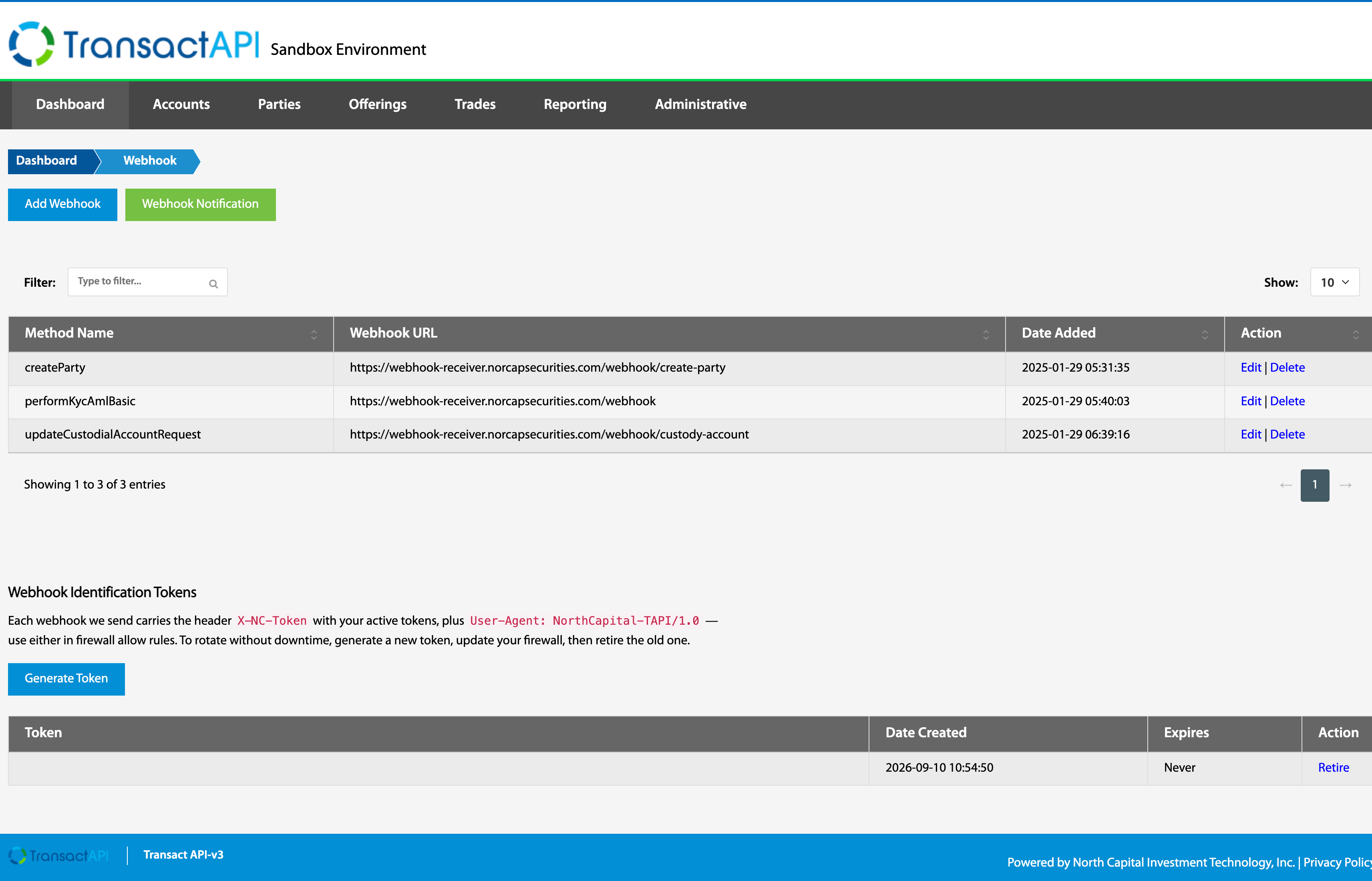
Every webhook is sent with the header User-Agent: NorthCapital-TAPI/1.0 and, once you have generated at least one token, the header X-NC-Token carrying your active tokens. Use either one to allow North Capital traffic through a firewall or WAF instead of subjecting it to bot-prevention rules. This is the preferred way to identify our webhook traffic.
Select Generate Token to create one. The table lists each token with its creation date, expiration, and a Retire action. Copy the token value into your firewall rule exactly as shown; that is the value that arrives in the header.
Tokens are shared across your organization, so webhooks delivered for every client ID under your parent client carry the same tokens.
To rotate a token without downtime, generate a new one, update your firewall rule, then retire the old one. While both are active they are sent together, comma-separated, so match the header with a contains rule rather than exact equality.
Retiring a token takes effect immediately. Any rule that matches only the retired value will stop matching our traffic.
A token grants no access to the TransactAPI. Treat it as a secret: your endpoint may require it and reject requests that arrive without it.
View Notification List
Dashboard > View Notification List
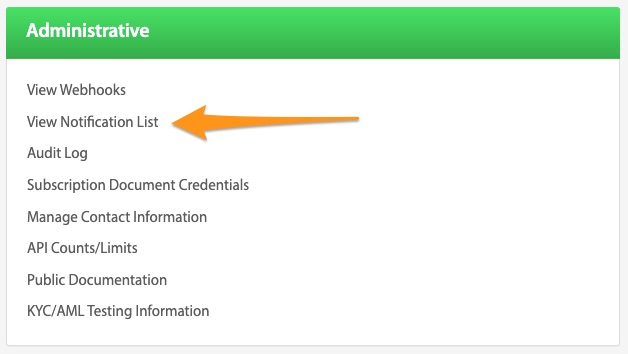
This is a quick link to view all webhook notifications that have been set up. See above (Webhook Notification) for more details.
Webhook Troubleshooting / Knowledge Base
If at any point further assistance is needed, please refer to the Loom videos and knowledge base links below before contacting techsupport@NorthCapital.com.
Webhook Setup Visual Resources
TransactAPI Webhook Notifications
Webhook Troubleshooting / Knowledge Links
Is there a webhook for when a user signs subscription documents?
How do I set up webhooks and/or email notifications for certain events?
How can I encrypt webhook events?
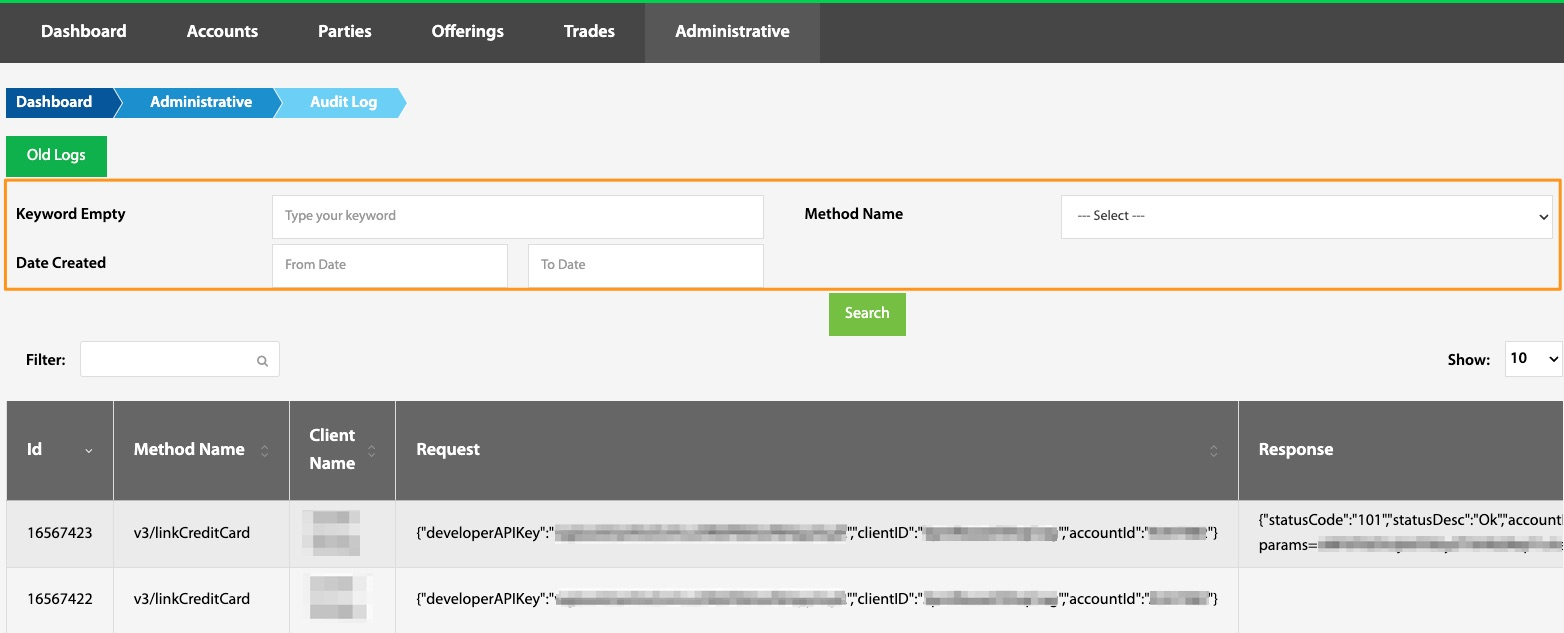
Subscription Document Credentials
Dashboard > Subscription Document Credentials
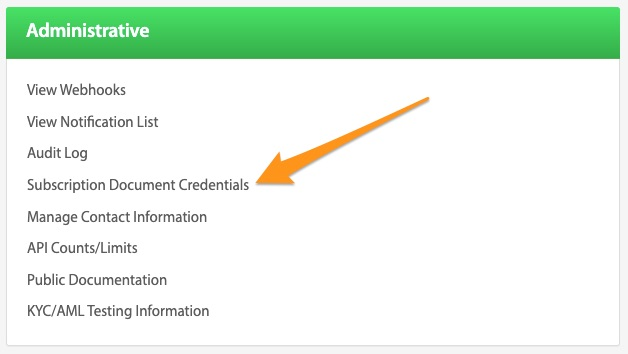
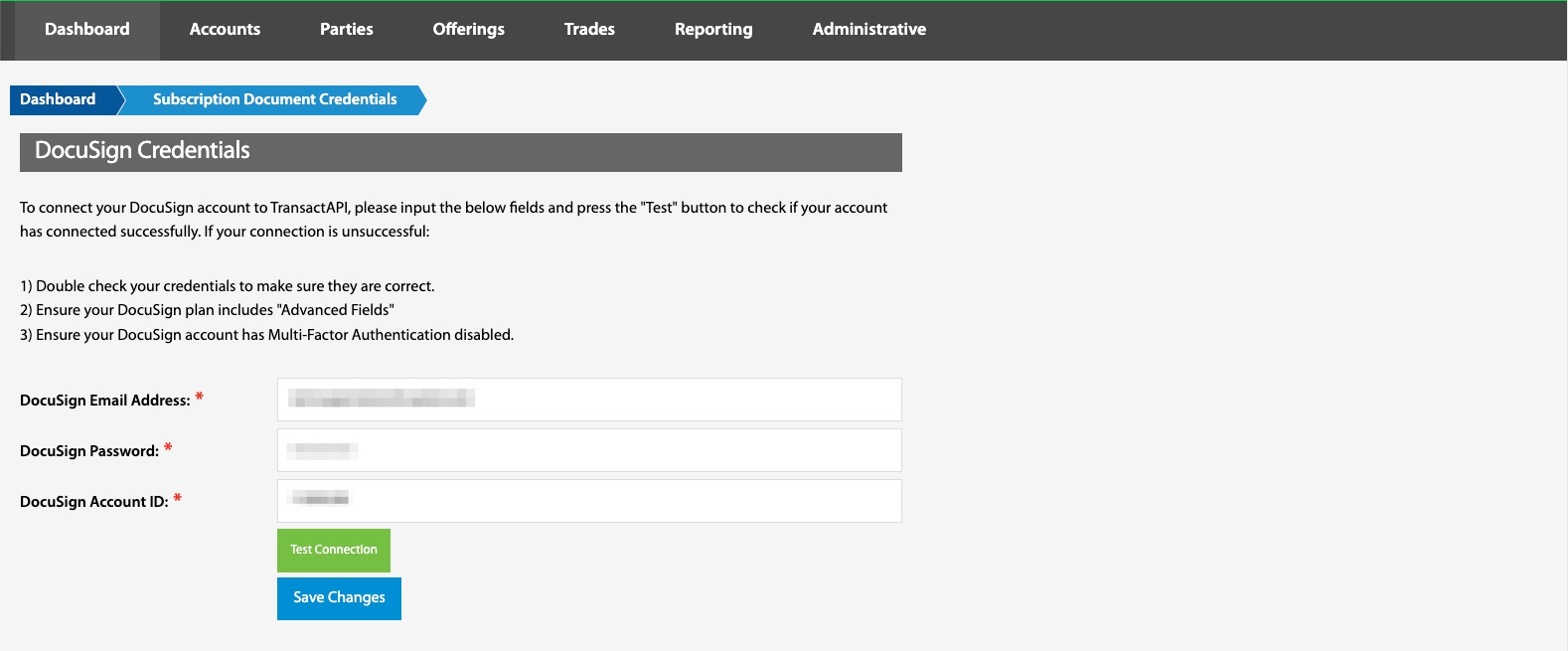
If DocuSign is the chosen method for signing and collecting subscription documents, several steps need to be followed to attach a chosen DocuSign template to the offering. Please note that only a live Business Pro DocuSign account can support this functionality.
To complete this process, first enter the client’s Docusign credentials including email address, password, and account number. Note: the DocuSign account number can be found under Account Information in the top right corner of the DocuSign homepage.
Test Connection\ Ensuring the correct information was input can be accomplished through the Test Connection button. “Connection Successful” will appear if the link was correctly initiated.
DocuSign Troubleshooting / Knowledge Base
If at any point further assistance is needed, please refer to the Loom videos and knowledge base links below before contacting techsupport@NorthCapital.com.
DocuSign Integration Visual Resources
How to add a subscription document in TAPI (DocuSign)
DocuSign Troubleshooting / Knowledge Links
How do I link my DocuSign account to my TransactAPI account?
When do the subscription documents get sent out to investors?
Manage Contact Information
Dashboard > Manage Contact Information
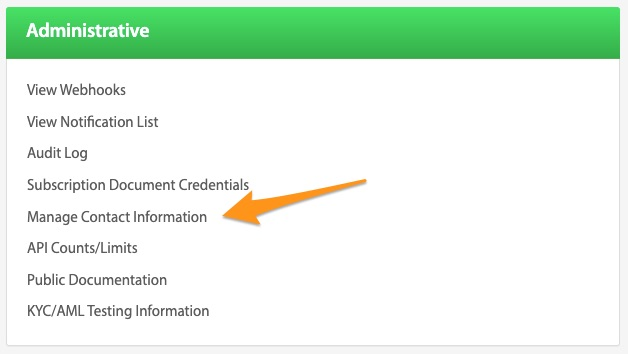
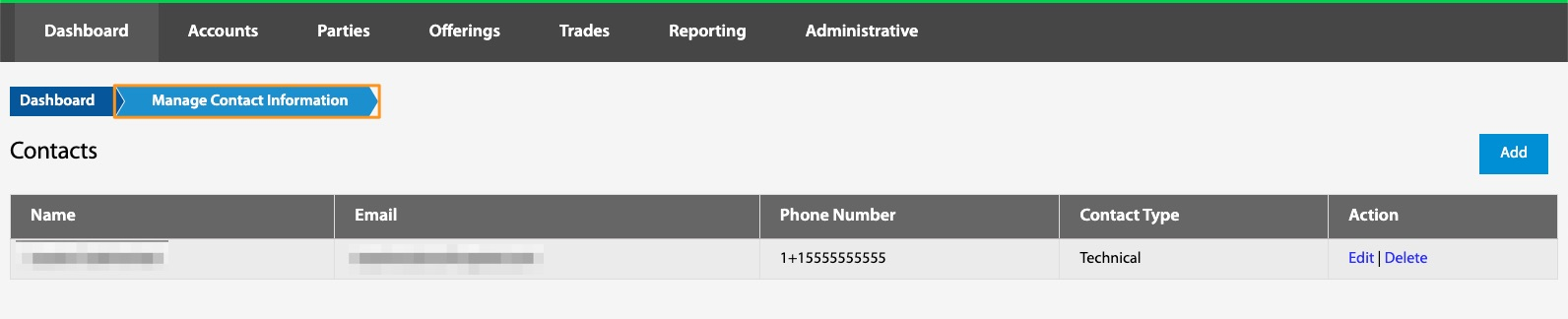
This is a location to store any desired contact information.
API Counts/Limits
Dashboard > API Counts/Limits
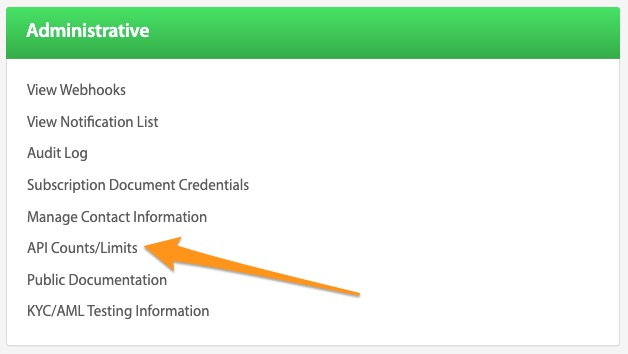
The API Counts and Limits page tracks API calls associated with the client. The total amount of API calls within the current calendar month will be listed here.
Public Documentation
Dashboard > Public Documentation
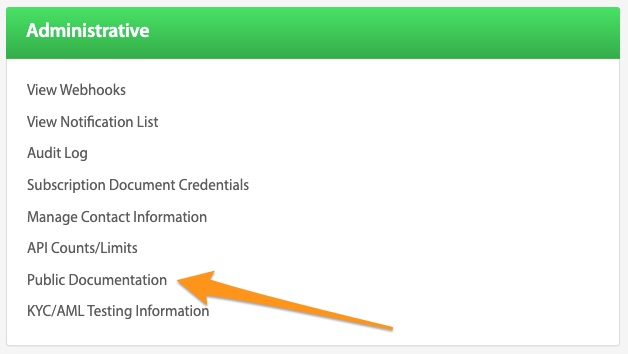
This is a link to North Capital’s API documentation. API Docs, the API Developer Guide, as well as this TransactAPI Admin Guide can be found through this link.

KYC/AML Testing Information
Dashboard > KYC/AML Testing Information
This button links to a pdf document containing all necessary dummy information for testing purposes.